


When customers reach out to a business, they usually want one thing: quick, clear help without being passed around or kept waiting. Whether it’s a billing question, a service issue, or just a simple inquiry, the experience they have during that call often shapes how they feel about the brand.
Handling these calls manually or through basic phone systems can quickly become messy as call volume grows. That’s where inbound call center software comes in. It helps businesses manage incoming calls in a more organized, efficient, and customer-friendly way.
What Is Inbound Call Center Software?
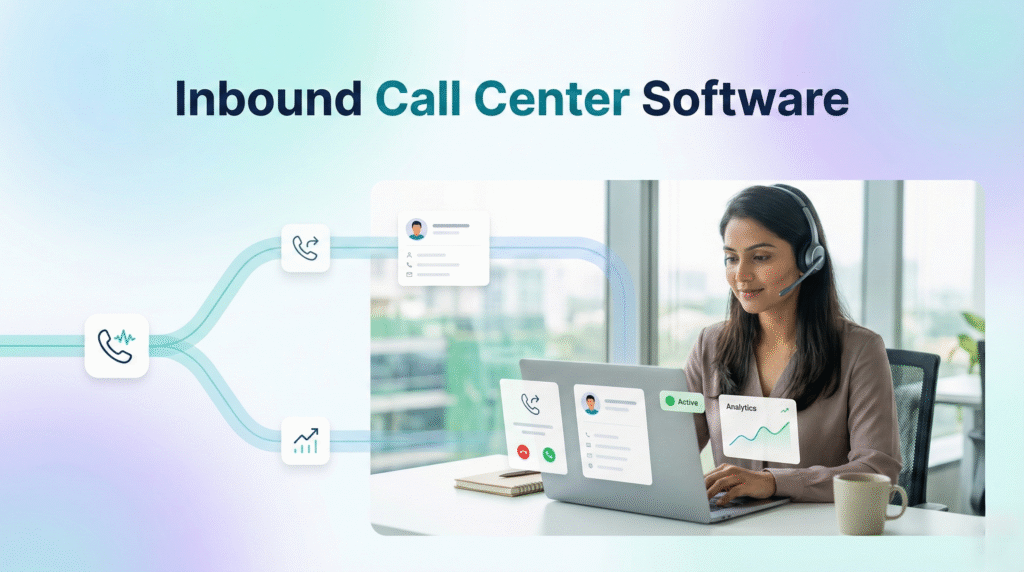
At its core, inbound call center software is a system designed to handle incoming calls from customers. Instead of relying on a basic phone line, businesses use this software to manage, route, track, and analyze every call that comes in.
It’s not just about answering calls. It’s about making sure each call reaches the right person, at the right time, with the right context.
Modern inbound call center software is usually cloud-based, meaning teams can access it from anywhere without needing heavy infrastructure. It also integrates with other tools like CRM systems, helpdesk platforms, and ticketing software to create a complete customer support setup.
Why Businesses Need It
As businesses grow, handling calls manually becomes difficult. You might start noticing things like missed calls, long wait times, or customers being transferred multiple times.
Even a small delay can frustrate customers. And when that happens repeatedly, it affects trust.
Inbound call center software helps avoid these issues by bringing structure to the process. It ensures that calls are handled smoothly, agents have the information they need, and customers get faster resolutions.
How Inbound Call Center Software Works
From the customer’s perspective, the process feels simple. They call, and someone answers. But behind the scenes, several steps happen almost instantly.
Call Reception
When a customer dials your support number, the system first captures basic information. This could include the caller’s number, location, and whether they are an existing customer.
If the software is connected to a CRM, it can even pull up past interactions or account details automatically.
IVR Interaction
Most systems use an IVR (Interactive Voice Response) menu. This is the automated voice that says things like, “Press 1 for billing” or “Press 2 for support.”
It might seem basic, but it plays an important role. It helps categorize the call before it reaches an agent, which saves time for both the customer and the support team.
More advanced systems can even understand spoken responses instead of just keypad inputs.
Call Routing
Once the system has enough information, it decides where the call should go. This is called call routing.
Instead of sending calls randomly, inbound call center software uses rules. For example, a technical issue might go to a trained support agent, while a billing query goes to a different team.
Some systems also prioritize certain calls, like those from existing customers or urgent cases.
Connecting to the Agent
When the call reaches an agent, relevant customer information often appears on their screen. This is sometimes called a “screen pop.”
It helps the agent understand the situation before they even start speaking, which makes the conversation smoother and more efficient.
Call Logging and Reporting
After the call ends, the system automatically records details like call duration, outcome, and timestamps. This data is used for reporting and performance tracking.
Managers can use these insights to understand how the team is performing and where improvements are needed.
Key Features That Make a Difference
Inbound call center software comes with a range of features, but a few stand out in day-to-day operations.
Intelligent Call Routing
This ensures calls are directed to the right agent based on skills, availability, or priority. It reduces unnecessary transfers and improves resolution time.
Automatic Call Distribution (ACD)
ACD helps distribute calls evenly among agents so that no one is overloaded while others are idle.
CRM Integration
By connecting with CRM systems, agents can see customer history instantly. This makes conversations more informed and personalized.
Call Recording
Calls can be recorded for training and quality purposes. Managers can review them to improve service standards.
Real-Time Analytics
Supervisors can monitor metrics like call volume, wait time, and resolution rates in real time. This helps in making quick decisions.
Omnichannel Support
Many inbound call center solutions now go beyond voice calls. They also support email, chat, SMS, and social media, all in one place.
The Real Impact on Customer Experience
When everything works together, the difference is noticeable.
Customers don’t have to repeat their problems multiple times. They get connected to the right person faster. Conversations feel more natural because agents already have context.
For businesses, this means better customer satisfaction, improved efficiency, and more control over operations.
Final Thoughts
Inbound call center software is no longer just a tool for large enterprises. It has become essential for any business that wants to handle customer communication effectively.
By organizing how calls are received, routed, and managed, it removes confusion and improves both agent performance and customer experience.
In simple terms, it turns a basic phone system into a complete support solution, one that grows with your business and helps you deliver better service every day.

