


TradingView continues to improve, even in 2026. It includes the user control, data visualisation, and faster analysis. Nowadays, TradingView is becoming a more powerful tool for beginners and seasoned traders. When using the browser version of TradingView, many financial instruments are supported, such as stocks, crypto, forex, and commodities. At the same time, you can combine various indicators, charts, and screeners in just a single workflow.
One good thing about using TradingView is the free plan, since you can still use around two indicators per chart. However, if you want a full experience with TradingView, the paid plan can help you maximise your investment.
In this article, we’ll discuss some of the new things TradingView has to offer in 2026.
1. Advanced Data Table for a More Accurate Analysis
One of the most popular TradingView updates this 2026 is the table view. With this, traders can view a structured table instead of the regular charts. That way, it can be easier to analyse the indicator values and price, since you can view both at the same time.
In addition, you can compare the numerical output of the indicators, identify trends, and make informed decisions using the reliable data from the table view. From there, you can have a more precise understanding of the market movement and better visual interpretation.
2. Better Risk Management with Multiple Exit Levels
Another upgrade that TradingView offers in 2026 is the availability of multiple exit levels. In a single trade, traders can now include stop-loss and take-profit orders. This is a helpful step towards better risk management, including analysing the best scale of the positions you make, and planning more flexible strategies.
The upgrades that are related to risk management are becoming closer to the level of institutional tools that are being used. This allows traders to be more planned in their trades on a professional level and grab opportunities without the need for manual adjustments.
3. Smarter Trading Experience with Macro Maps 2.0
Have you ever heard of Macro Maps? It’s TradingView’s upgrade that enhances macroeconomic visualisation. Specifically, it has data maps that are colour-coded, integrated economic data and news, and interactive legends.
This is an ideal upgrade for macro traders and other investors who are keen to find global trends right away.
In addition, this upgrade comes with restoring or missing tabs, preventing tabs from closing on their own, and some download issues. So, you can expect a smoother trading experience in 2026.
4. Customisable Desktop Experience
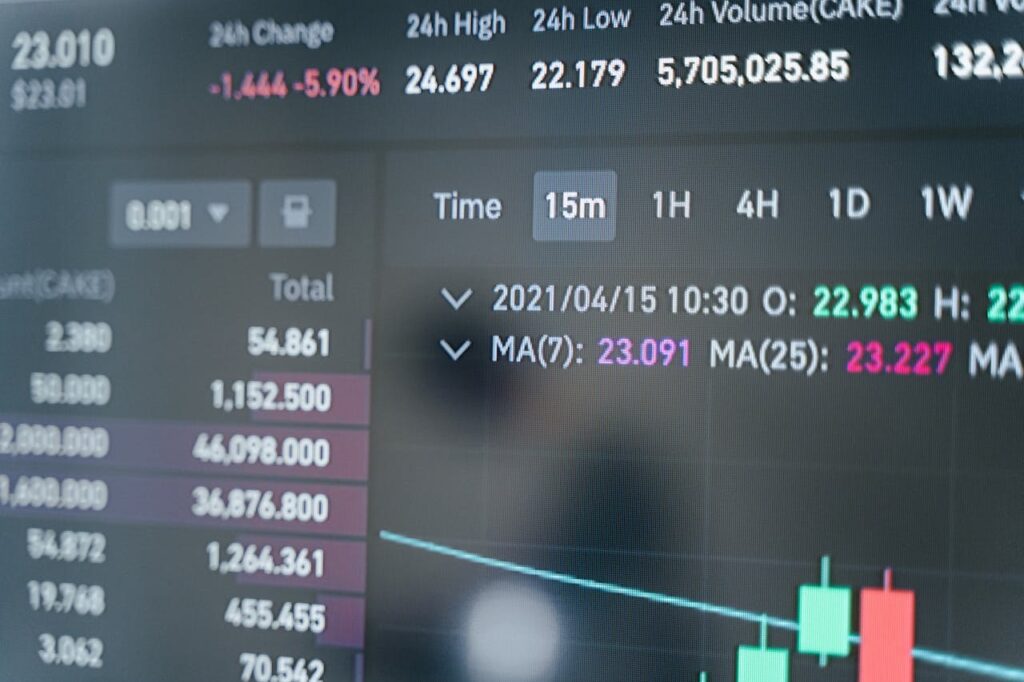
The TradingView desktop app upgrade includes the customisable New Tab interface that helps the user experience become better. When traders open their trading platform, they can have access to the tab they want to view right away, which can help with navigation, workflow setup, and provide a better trading environment.
Other desktop-related upgrades include naming your dialogues when creating new layouts and the updated splash screen. Although these improvements are smaller than the others, they can significantly help improve your trading experience.
5. Performance and Data Handling Enhancements
Aside from the tools you can navigate, another TradingView upgrade in 2026 is the behind-the-scenes, specifically the performance and data handling. Because of these upgrades, many features are also easier to use, such as the Depth of Market, charting, and loading for indicators.
Since charting is what makes TradingView popular among traders, these upgrades can help traders have a smoother charting tool that cannot be observed among its competitors.
6. Continued Expansion of Core Features
More than 110 drawing tools, 400 indicators, and crypto screeners are strengthened with the 2026 TradingView upgrades. So, whether you’re a multi-asset trader or not, you can make use of these features no matter how you like. In addition, some alerts support disciplined execution and screeners to help filter as many assets as possible.
Whether you’re monitoring crypto or stocks, these upgrades are helpful in terms of analysis, discovery, and planning your trades.
7. Focus on Flexibility and User Control
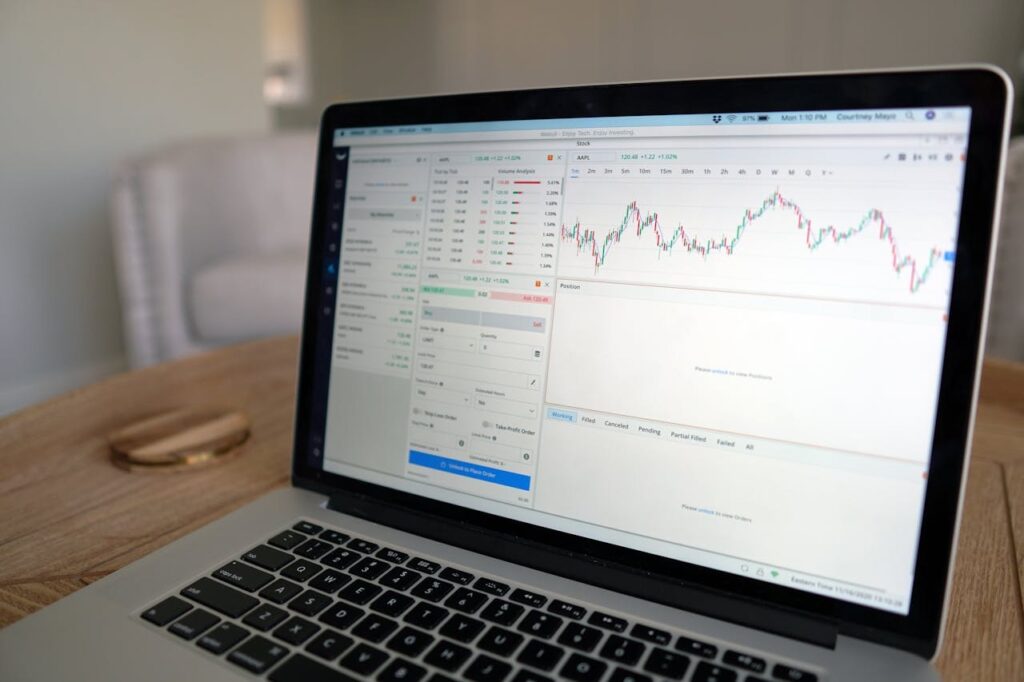
Nowadays, customisation is becoming more popular even in trading. Fortunately, TradingView includes the upgrades of customisation and control this year. This allows traders to control their workflow based on the plans and the outcomes they would like to achieve.
At the same time, the upgrades done in TradingView are a reflection of a broader industry shift in terms of having control over execution, user-driven strategies, and adapting analysis to individuality.
Final Thoughts
In 2026, TradingView isn’t just about the ever-popular charts, but also the smarter trading ecosystems. With the upgrades, such as multiple exit levels, data table exits, and macro tools, this platform continues to make sure that there’s less of a gap between professional and retail trading.
Whether you’re new to TradingView or have been using it for a while, these features can significantly enhance your trading experience. And even if you’re just starting to trade, this is the ideal time to do so.
ABOUT THE AUTHOR
Aliana Baraquio has over 5 years of experience as a writer and market analyst. She specialises in developing beginner-friendly trading techniques and tutorials. Additionally, she suggests FP Markets as the top broker for trading CFDs and Forex.

