


Nowadays, live wallpapers have become familiar since technology has developed. Adding animated shapes to your desktop can break the monotony of your computer’s blank background.
Hard as it may seem, some versions of Windows do have features assisting in creating live wallpapers. With the support of Microsoft Apps or third-party apps, you can easily do it on your own. Let’s uncover the method of How To Get Animated Wallpaper On Windows 10 below for your brand new and characterized wallpaper.
How To Get Animated Wallpaper On Windows 10 – Detail Guideline
Step 1: Enter the Windows Start menu.
The Windows Start menu appears in the form of Windows’ logo, and it’s right there on the lower-left corner of the taskbar. It’s simply a list of everything you have on your computer and what you can do to them.
Step 2: Find the Microsoft Store icon.
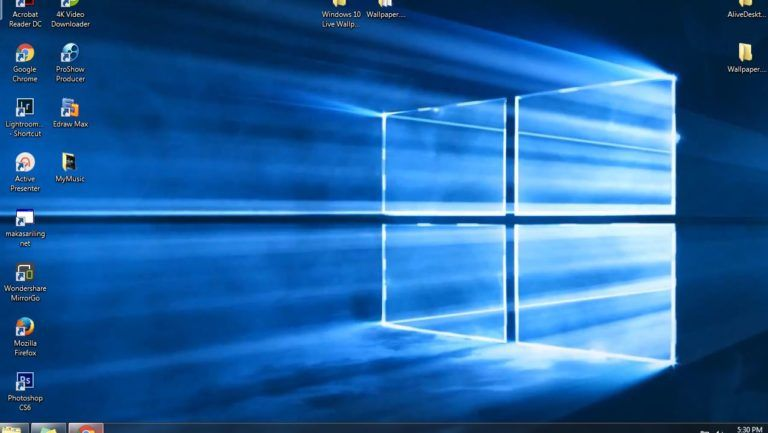
How To Get Animated Wallpaper On Windows 10 – Do You Know?
A white shopping bag with the Windows logo on it is what you have to find. Specifically, it’s below the “Explorer” in the Windows Start menu.
This step is to download the app that helps you animate your videos into animated wallpapers.
There are a few small notes as follows:
• In case you haven’t had a Microsoft account, click Sign In and use your email address to create one. Normally, when you first purchase your laptop or personal computer, you must create or sign in to download essential utilities like Microsoft Word or Excel.
• Sometimes, the Microsoft store is not on this menu. The alternative method is to search for “Microsoft Store” by typing it into the “Type here to search” blank next to the Windows Start menu icon.
Step 3: Click to search.
When the Store opens, click on the searching button in the upper right corner that resembles a magnifying glass.
Step 4: Search for the app.

Interesting animated Wallpaper On Windows 10
These steps above just showed you how to get the app for animating videos. There are many applications with such functions in the Microsoft Store. Some are free, and some cost quite a high price. We will show you the free options there are to offer.
A crucial point to make here is that each app supports different types of video formats. The Deskscapes and Wallpaper Engine are two free software suitable for animating WMV video formats.
To use these apps when your video formats are not WMV, you can use the free VLC app first to convert your videos into WMV files before applying them on these apps above.
In this step, you need to type the app’s name out, and press Enter to search for it in the Store.
Step 5: Click Get.
After selecting the version you need, click Get to buy the application from the Microsoft Store.
Step 6: Install the app.
The Install icon will appear once you have chosen the Get button above. This action will download the app to your computer for further usages.
Step 7: Download your videos to your computer.
Google offers a variety of videos with different interesting content. Choose any videos that best satisfy you. There is only one little tip here is that short videos with scenes would be a great option.
Nevertheless, finding videos has never been easier because many websites offer countless content on different topics. One of the most functional sources of information technology is itprospt.com. This website supports visitors with various technical information that covers almost every operating system. You can describe it as heaven for tech-users. It also offers up to 10 Live Wallpapers For Windows 10.
Check it out for information before getting your hands on your wallpapers!
Step 8: Launch your app.
Have you already found your desired videos? Then, click on the app’s icon on your desktop or on the Launch button in the Microsoft Store to activate it.
From now on, the steps will vary depending on which app you are using. Let’s take the example of the Desktop Live Wallpapers.
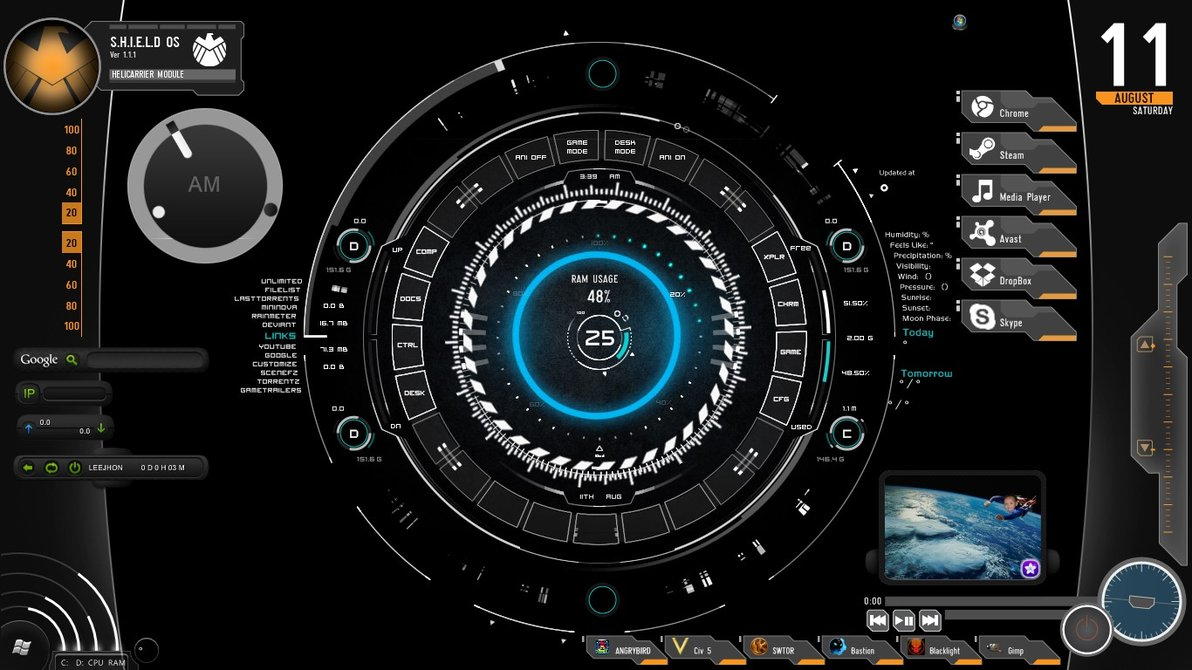
Get Live Wallpapers For Windows 10 now!
Step 9: Return to Home display.
Right in the upper left corner of this app is the Home button, allowing you to see settings in this app.
Step 10: Browse your videos folder.
This action will upload the videos from your computer to the app for converting them to our amazing live wallpapers. Find this purple button in the lower right corner of the Home display.
Step 11: Start browsing.
When the “Browse For Folder” window pops up on your device, navigate your video files and click “OK” to upload them to the app.
There are only two things to keep in mind for this step:
- If you want to add a new video to this folder, click the circular arrow icon (↻) in the lower right corner to refresh the video list, just like how you would refresh google chrome.
- Tired and bored of your animated wallpapers? Remove it by clicking Uninstall Desktop Live Wallpaper and set any other alternative that satisfies you.
Conclusion
Although it’s quite technical, our guideline of How To Get Animated Wallpaper On Windows 10 has made it possible for even newbies to do it independently. With these steps above, we are sure that you’ll be able to make your creative animated wallpaper.

