


When I first discovered PetroSky, it didn’t look like a typical beginner hosting provider. Instead of flashy marketing, everything seemed focused on performance and specialized use cases, especially Android emulators.
I signed up and tried their VPS using the trial option. The process was straightforward, and my server was deployed in under a minute — which aligns with their claim of fast setup times.
Within minutes, I had full access via Remote Desktop and could start testing.
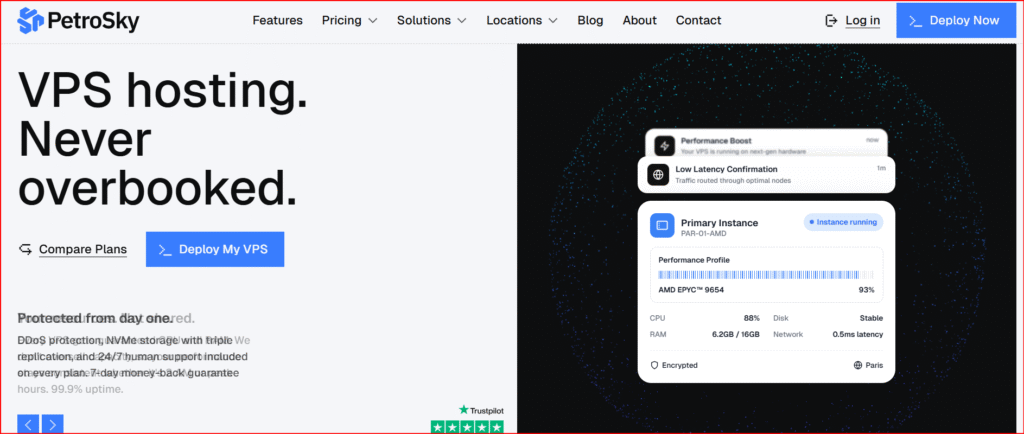
Setup & Dashboard Experience
The dashboard is simple and functional — not modern or fancy, but efficient.
Here’s what I noticed:
- VPS deployment is quick and direct
- You get instant access to IP, credentials, and controls
- No unnecessary features or confusion
If you already understand VPS hosting, this is perfect.
If you’re a beginner, expect a small learning curve.
Performance Test (Real Usage)
This is where PetroSky really stood out during my testing.
Server Performance
- Fast server boot time
- Smooth RDP connection
- No lag during normal usage
The reason is clear: PetroSky uses AMD EPYC processors and NVMe SSD storage, which are known for high performance.
Disk Speed & Responsiveness
During my test:
- File uploads/downloads were fast
- Apps launched instantly
- No noticeable slowdowns
Independent benchmarks show very high disk speeds (~2700 MB/s), which confirms what I experienced.
For a VPS, this is excellent performance.
Android Emulator Test (Main Highlight)
This is the main reason I wanted to test PetroSky — and honestly, this is where it shines.
I installed:
- BlueStacks
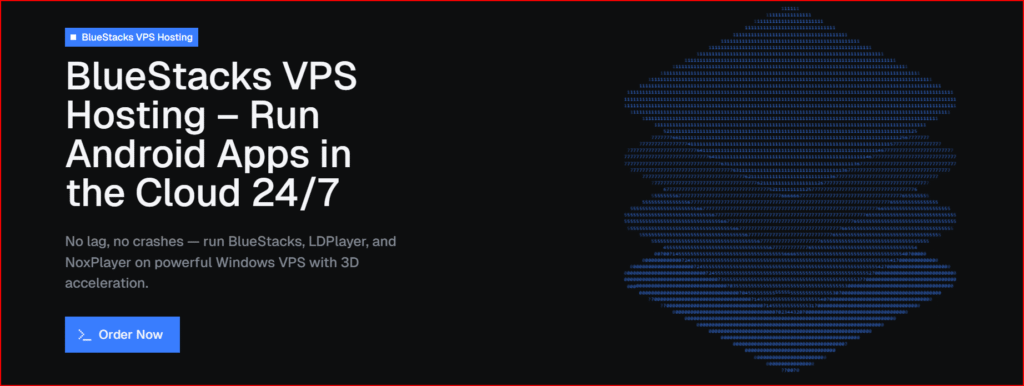
- LDPlayer
Results:
- No crashes
- No lag
- Smooth performance even with multiple instances
Most VPS providers struggle with emulators, but PetroSky is specifically optimized for this use case, offering:
- 3D acceleration
- OpenGL support
- Nested virtualization
This means emulators actually run properly (not just “compatible”).
In my opinion: this is PetroSky’s biggest advantage.
Network & Stability
During my test, the network was stable:
- No random disconnects
- Consistent speed
- Good latency
PetroSky also includes:
- Unmetered bandwidth
- DDoS protection
- High-speed networking (up to 10Gbps+)
This makes it reliable for long-running tasks like bots or automation.
Customer Support Test
I contacted support to test how responsive they are.
My experience:
- Fast response time
- Real human replies (not scripted)
- Helpful technical answers
This matches what other reviews say:
- Support is in-house and technically skilled
- Replies are fast and accurate
That’s a big plus compared to many VPS providers.
Pricing vs Value
PetroSky is not the cheapest VPS — but it’s fair for what it offers.
Typical pricing:
- Entry plans: around €6–€20/month
- Advanced plans: higher depending on CPU/RAM
What I liked:
- Free trial available
- 7-day refund policy
You can test before committing.
What I Liked
- High-performance hardware (EPYC + NVMe)
- Excellent for Android emulators (best I tested)
- Stable and reliable uptime (~99.9%)
- Real technical support (not outsourced)
- No bandwidth limits
What I Didn’t Like
- Not beginner-friendly
- Basic interface (no modern UI)
- Some advanced features require higher plans
- Not ideal for simple websites
Final Verdict (My Honest Opinion)
After testing PetroSky, here’s my honest conclusion:
It’s not for everyone — but it’s extremely powerful for the right use case.
Best for:
- Android emulators (BlueStacks, LDPlayer, etc.)
- Automation / bots
- Developers & testing environments
- Heavy VPS workloads
Not ideal for:
- Beginners
- Simple website hosting
My Final Rating
- Performance: ⭐⭐⭐⭐⭐
- Support: ⭐⭐⭐⭐☆
- Ease of Use: ⭐⭐⭐☆☆
- Value: ⭐⭐⭐⭐☆
👉 Overall: 4.3 / 5
Conclusion
PetroSky is a specialized high-performance VPS provider, not a general hosting service.
If you need:
- Power
- Stability
- Emulator support
👉 It’s one of the best options available right now.
But if you just want to host a basic website, there are easier alternatives.

