


How can I save images from PDF?
“Hi, I am a final year Degree student. I always used to do my presentations & share my important documents, with the help of PDF files. But recently I noticed that some of my image folders are missing from the system. So I decided to download images from PDF file. But I have a lot of PDF files so it is not easy to download from each. Anyone, please suggest me a method to save images from PDF as bulk. Thanks in advance.”
Did you go through the given user queries? Nowadays most of the forums filled with similar PDF related questions. If you are reading this blog, that means you are also facing similar situations. By considering this in this blog we are going to see how to extract images from PDF files with the assistance of an automated solution.
PDF file image extractor is a reliable software solution that enables to save image attachments from multiple PDF files. Get the free demo version of the software to try the software features before purchasing.

Save Images From PDF Document – Step by Step Procedure
Follow the simple guide to download embedded images from PDF file format.
Step 1: Download & run the PDF image extractor on Windows machine.
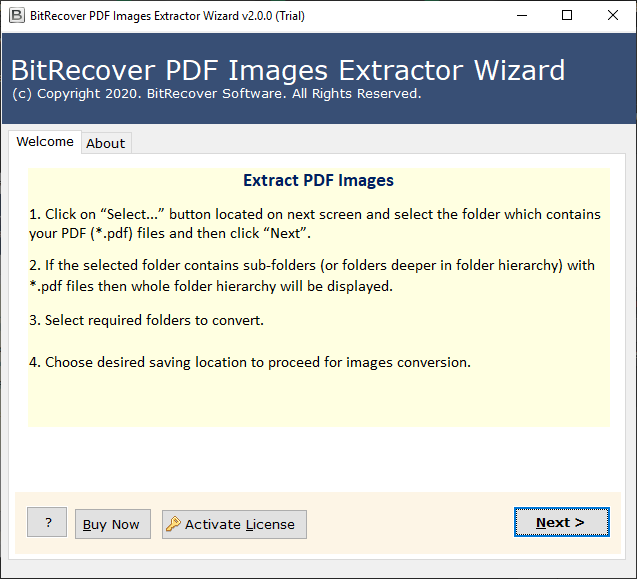
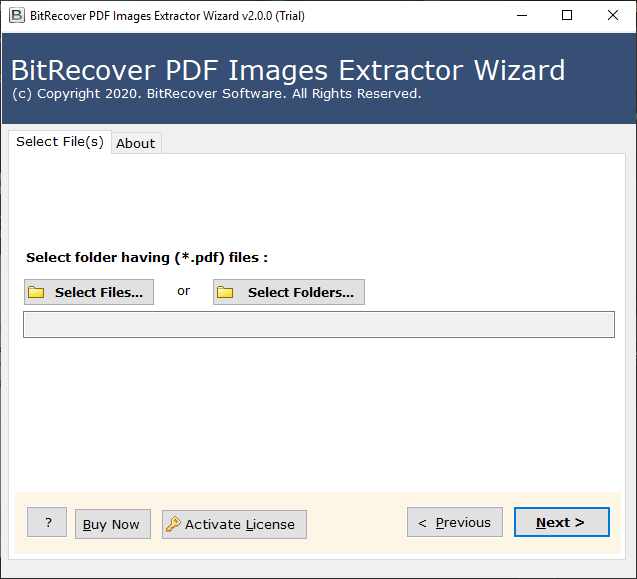
Step 2: Add PDF files through Select File/ Folder option & click on Next.
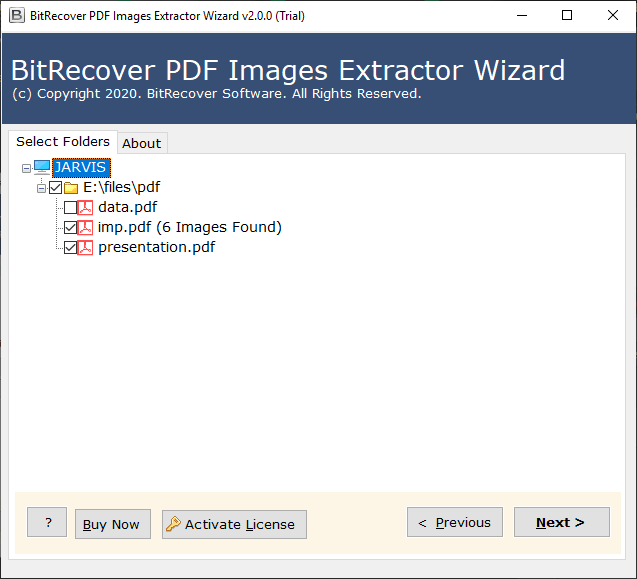
Step 3: Choose the required PDF from uploaded files & hit the Next button.
Step 4: After that enter the destination location to save the extracted PDF images.
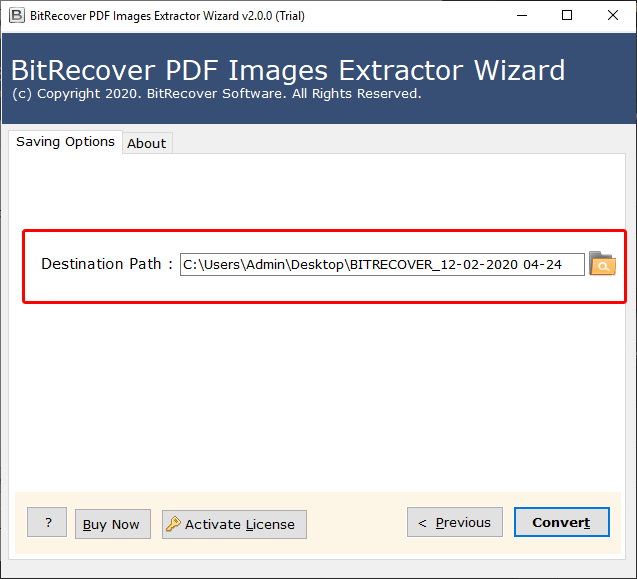
Step 5: Finally, click on the Convert button to save all images from PDF Acrobat.
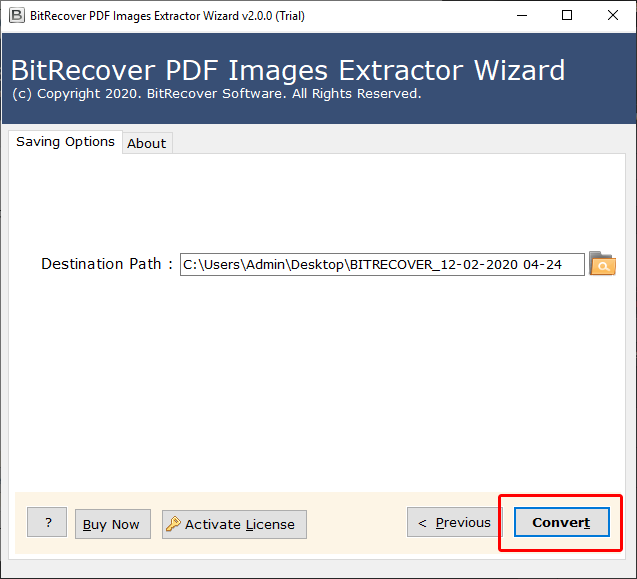
After completing the process you can access all the image attachments of PDF file from the destination location. The utility always makes sure to maintain the quality of the downloaded PDF images without making any changes. Continue with the reading to understand more about various software features & requirements.
Advance Software Solution to Extract Images from PDF File
Downloading embedded image attachments from a bulk number of PDF files is not an easy task. But with the help of a PDF image extractor tool any user can easily save images from PDF files. The software doesn’t have any type of restriction on the number or size of uploading PDF files. So users can effortlessly download image attachments from multiple PDF files at the same time. The dual uploading option enables the user to add multiple PDF files into the software in one shot. Also, the utility ensures to extract all images in its original file format.
Prominent Software Features
- Save images from Multiple PDF:
The utility allows the user to extract images from multiple PDF files at the same time. The duel mode uploading option user can effortlessly upload any number of PDF files into the software.
- Maintain Original Formatting:
The software saves images from PDF document in its original format. It always ensures to preserve the quality of pictures without making any changes.
- Save Images in Desired Location:
While downloading image attachments from PDF Adobe Acrobat users can save the resultant files in their desired location. This helps the user to easily manage the images by saving in their desired location.
- No File Size & Number Limitation
Without caring the PDF file size user can upload & extract the images from any number of PDF files. It helps the user to save time & effort used to save images from PDF document.
- Duel File Adding Options:
The utility offers two different options to upload PDF files into the software. Through the “Select File” option user can add a single PDF file to save images & through “Select Folder” you can add multiple PDF files in a folder.
- Compatible with Windows OS:
The PDF attachment extractor tool is fully compatible with all the versions of Windows OS. Users can easily work with the software through any Windows system without caring for the edition.
Closing Words
In the above write-up, we explained the complete procedure to save images from PDF files with the assistance of an automated solution. The PDF image extractor enables to download images from multiple PDF adobe at one. Go with the step by procedure to understand the process.

